Thirty seconds of video worth more than a review
“Tell us in thirty seconds what you loved — get $15 off.”
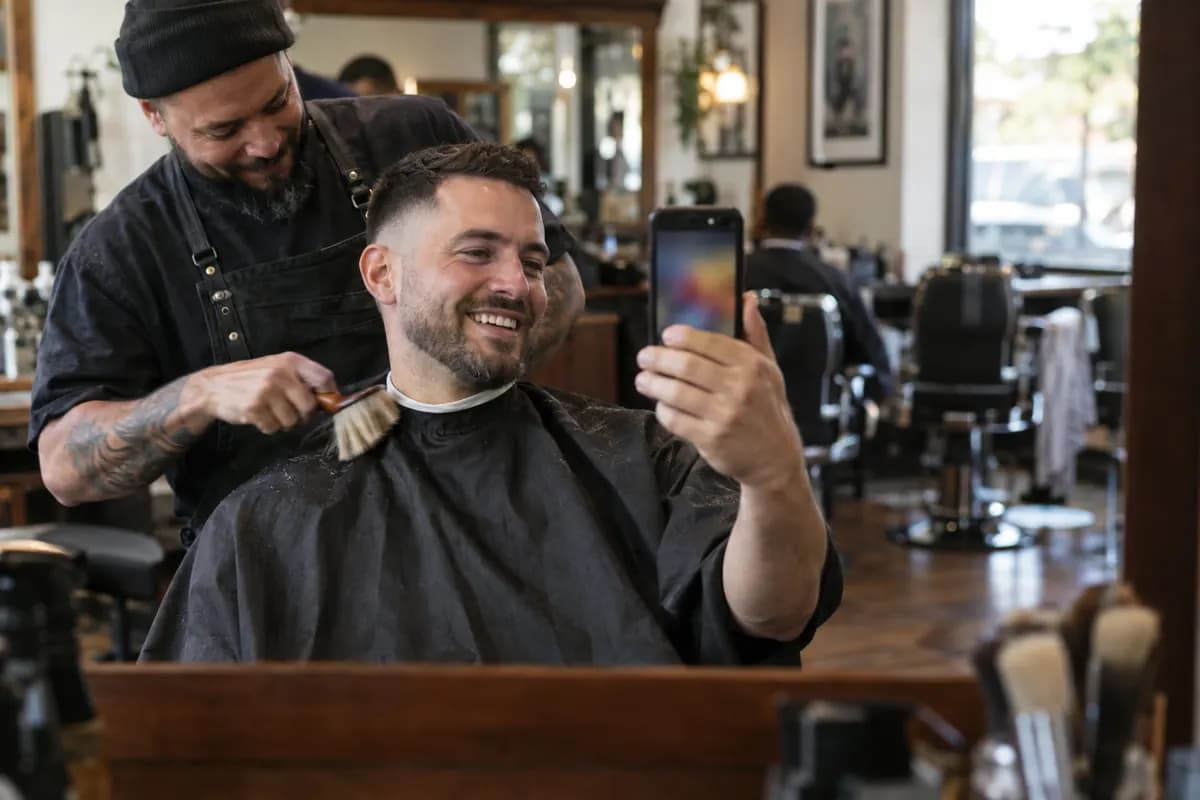
The promotion that produces an asset instead of a discount. Customers record a short video on their own phone, we prepare the caption, the hashtags and your mention for the platform they are posting to, and you approve before any reward is issued.
- Social proof
- TikTok / Reels
- New locations
What the customer sees
From scan to reward, step by step
No app, no account, no download. The whole journey happens in a mobile browser on your branded page.
Scans the card and sees the prompt you wrote.
Records a video up to the duration limit you set, right in the browser.
Consents to publication if you require it before the video can be used.
Gets the caption, hashtags and your social handle prepared for the platform they choose.
Posts it, and the reward is issued once you approve the submission.
How to set it up
Configured in the builder, live the same day
Write the prompt
One specific question beats “tell us what you think”. Ask about the dish, the class, the stylist.
Set the length
Ten to one hundred and twenty seconds. Forty-five is the default and about right for social.
Prepare the post
Suggested hashtags and your @mention, added to the description on the customer's behalf for the platform they share to.
Require consent and approval
Publication consent and manual approval are both on by default, so nothing reaches your feed or earns a reward without your review.
Deploy
Tabletop cards at the end of the meal or the appointment, when the experience is still fresh.
What you can configure
- Prompt and on-screen instructions
- Maximum video duration
- Consent to publish requirement
- Suggested hashtags and mention
- Automatic captioning
- Reward type and value
- Manual approval requirement
Why it works
A short video from a real customer outperforms anything you can shoot yourself, and it keeps working after the promotion ends. You end up with a library of usable content and a set of posts that reached audiences you never paid for.
The outcome for this promotion is decided on our server before the customer sees it, so the prize cannot be forced from the browser.
Runs well alongside
Promotions that work together
Every plan runs unlimited campaign types, so you can run these at the same time — one to acquire, one to bring people back.



Questions
Review video questions
Is paying for a review against the rules?
Do I have the right to reuse the video?
What if somebody submits something unusable?
Can I see how the posts performed?
Get started
Run a review video this week
Build it in the campaign builder, print the QR card, paste the pop-up snippet. The free plan covers your first hundred customers.